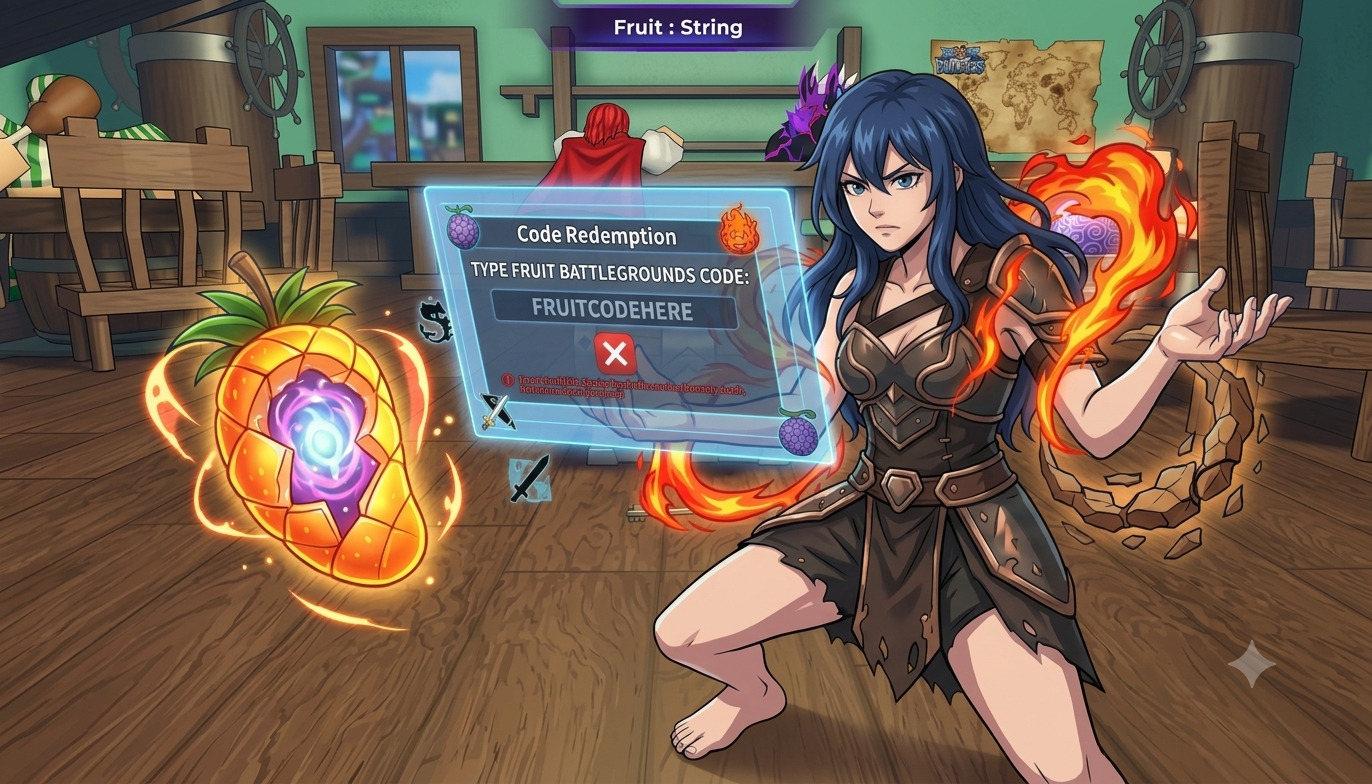
You found a fresh code, opened the Fruit Battlegrounds codes game, and typed it in. Then a red message pops up, and nothing happens. It is annoying, but it is also very common. Most of the time, a Fruit Battlegrounds code fails because of a small mistake that takes a few seconds to fix.
Below are 7 simple things to check when a code shows an error. Go through them in order, and you will usually find the problem fast. If you want working rewards, you can also visit our main Fruit Battlegrounds Codes page for the latest list.
1. Check for Typing Mistakes
This is the number one reason a code in Fruit Battlegrounds does not work. A single wrong letter is enough to break it. Look closely at letters that seem alike, such as the capital “I” and the small “l”, or the number “0” and the letter “O”.
Many codes are also case sensitive, so capital and small letters matter. Type the code exactly as you see it.
2. Copy and Paste Without Extra Spaces
Copying is safer than typing, but it can add a hidden space at the start or end of the code. The game then reads it as a different word. After you paste a code for Fruit Battlegrounds, press backspace once at the end to remove any extra space. Also make sure you did not copy a bullet point, dash, or comma along with it.
3. The Code May Be Expired
Game developers often remove codes after a short time. A Fruit Battlegrounds code that worked last week may be gone today. This often happens after a big update or event. If you see an “expired” or “invalid” message, the code is probably no longer active. Try a newer one instead of retrying the same code again and again.
4. You May Have Already Redeemed It
Most codes can be used only once per account. If you already claimed it, the game will show an error even if the code is still live. Check your inventory, currency, or rewards to see whether you already got the items. If you play on more than one account, make sure you are logged into the right one.
5. You Are Using the Wrong Game or Wrong Place
Some players try to use a code for Fruit Battlegrounds in a different game with a similar name. Codes only work in the game they were made for. Open the correct Fruit Battlegrounds game on Roblox, then look for the codes or settings button inside the game menu. Do not try to enter codes on the Roblox website unless the game says so.
6. Your Game Version or Server Has an Issue
Sometimes the code is fine, but the game is not. A new update may be live while you are still in an old server. A slow server can also stop the code from loading. Try these quick steps:
- Leave the game and join a new server.
- Close Roblox fully and open it again.
- Check your internet connection.
- Restart your phone, tablet, or PC if the problem continues.
After this, enter the Fruit Battlegrounds code one more time.
7. The Code Is Fake or From an Unreliable Source
Not every code you see online is real. Some videos and posts share made-up codes just to get clicks. If a code fails on every try, it may never have existed. Use trusted sources, such as the game’s official Roblox page, the developer’s community group, or its Discord server. Never share your password or download anything to “unlock” a code. Real codes never ask for your login details.
Quick Checklist Before You Give Up
- Did you type the code exactly?
- Did you remove extra spaces?
- Is the code still active?
- Have you already used it?
- Are you in the correct game?
- Did you try a new server?
- Did you get the code from a trusted place?
If you can say yes to all of these and the code still fails, it is most likely expired.
Why Fruit Battlegrounds Codes Get Removed?
Players often feel upset when a Fruit Battlegrounds code stops working. But there are clear reasons, and it does not always mean you did something wrong.
First, most codes are made for a limited time. Developers use them to celebrate an update, an event, or a milestone. When the event ends, the code ends too. Second, a big update can change items or rewards, so old codes are removed to avoid problems. Third, some codes have a use limit. After enough players redeem them, they stop working for everyone.
So do not keep trying the same expired code again and again. Move on and look for a newer code from a trusted source. Fresh rewards come often, and the next one may be only a few days away.
How to Redeem a Code the Right Way?
- Open Fruit Battlegrounds on Roblox.
- Find the codes or settings button in the game menu.
- Paste or type the code in the box.
- Press the redeem button.
- Check for a success message and see your reward.
If you want to redeem Fruit Battlegrounds codes as soon as they drop, make a habit of checking our page often. New codes can appear without warning and may disappear quickly.
Frequently Asked Questions
Why does my Fruit Battlegrounds code say invalid?
The code is usually expired, mistyped, or fake. Check the spelling and try a newer code.
Are Fruit Battlegrounds codes case sensitive?
Often yes. Type each code exactly as shown, including capital and small letters.
Can I use a code more than once?
No. Most codes work only one time per account.
Where can I find new Fruit Battleground codes?
Check our codes page, the game’s official Roblox page, and the developer’s community group.
Do codes give free rewards?
Codes can give small rewards such as in-game items or boosts, but the reward type changes from code to code.
Final Words
Seeing a red error message after typing a code feels bad, especially when you are just one click away from free rewards. But here is the good news: a code error is almost never a big problem. In most cases, it comes down to a tiny typo, a hidden extra space, an expired code, or a code you already used on your account.
Go through the 7 checks above one by one, and you can usually fix the issue in a minute or two. Copy the code carefully, make sure you are in the right game, join a fresh server, and always pick codes from trusted sources. These small habits save you time and keep you away from fake codes that only waste your effort.
Remember, Fruit Battlegrounds codes change fast. A code that works today can vanish tomorrow, and new rewards can drop without any warning. So do not wait until the last minute. Redeem each new code as soon as you find it, and you will never miss a boost, a bonus, or a free item.
Want the newest working codes for Fruit Battlegrounds without the hassle? Bookmark our page, check back often, and stay one step ahead of every other player. Fix the error, claim your rewards, and get back to the battle. Good luck, and happy gaming!